
Groups
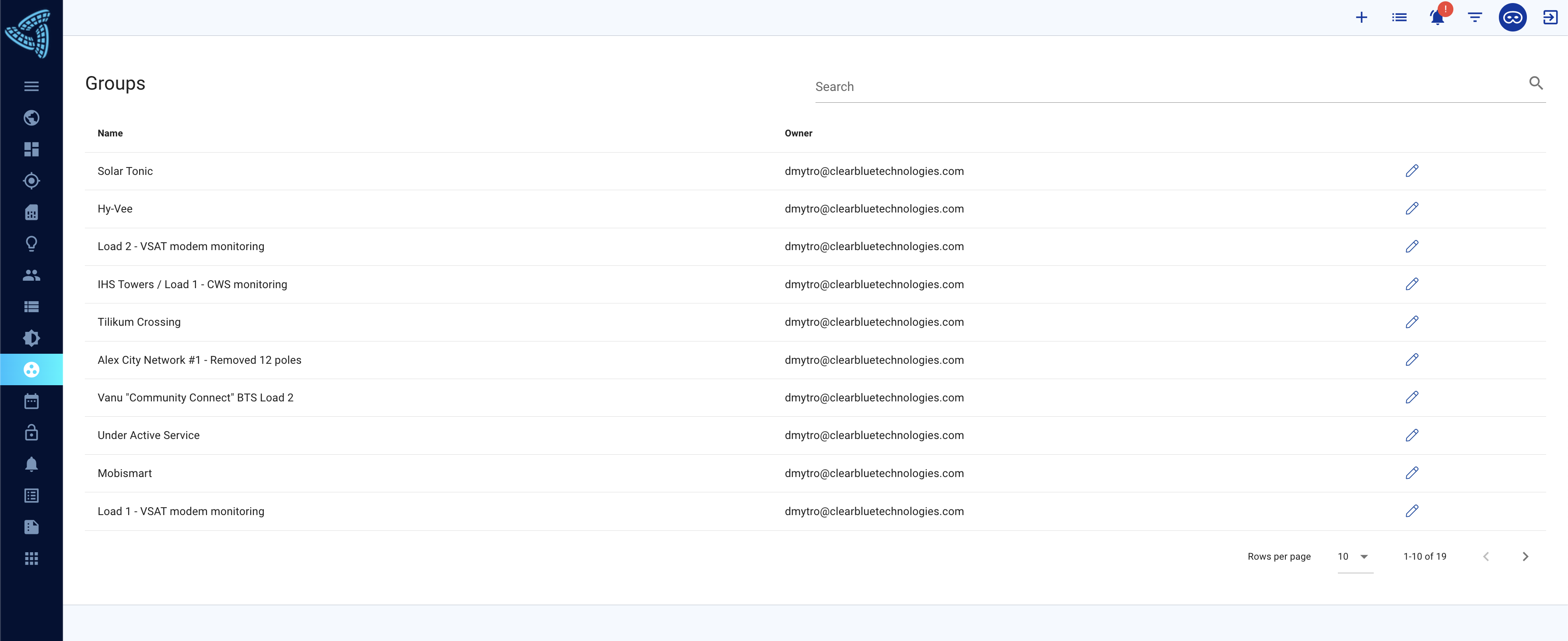
The groups feature is used to create alarms for a large group of system or search for those systems on the main dashboard.
New groups can be made by selecting [+] on the top bar and selecting New Group. All of your groups can be accessed from the groups section on the left bar. You can add or remove systems from your group by clicking on the pencil. You can not delete groups at this moment.